


Returning to Natural8 gives players access to an existing profile, balance, poker tables and account features through the registered email address and password. Players can also explore the Natural8 poker app to learn more about the available access options. The Natural8 login route is available through the desktop client and mobile applications, giving users several ways to return to the poker environment without creating another profile.
The same credentials work across supported access methods, while the available poker formats and account tools remain connected to the same profile. The sections below explain the requirements for authentication, mobile and desktop access, password recovery and common login restrictions.
Key Takeaways
- Natural8 supports desktop and mobile account access.
- Login requires the registered email and password.
- One profile synchronises balance, history and notes across devices.
- Password recovery uses the registered email address.
- Google Authenticator adds an extra security step.
- VPNs, proxies and prohibited software can restrict access.
Credentials Required Before an N8 Login Attempt
Before starting an N8 login, players should have the main credentials and access tools ready. The registered email address and password are required for standard authentication, while access to the inbox may be needed when an additional confirmation message is requested.
Natural8 requires users to be at least 18 years old. VPN and proxy use is prohibited under its security rules, and certain remote-access or screen-sharing tools can also cause restrictions when they interfere with location or account controls.
Accessing the Desktop Client on Windows and Mac
The desktop environment provides a direct route to the poker lobby on Windows and Mac. Players can access the client through a short sequence:
- Launch the installed Natural8 client on Windows or Mac.
- Enter the registered email address and password.
- Complete any additional confirmation requested.
- Wait for the lobby to load and select the required game.
Where the client offers a save-credentials option, it can be used for faster future access. Multi-tabling is available within the supported poker environment without creating another profile.
Natural8 Login From the iOS and Android Apps
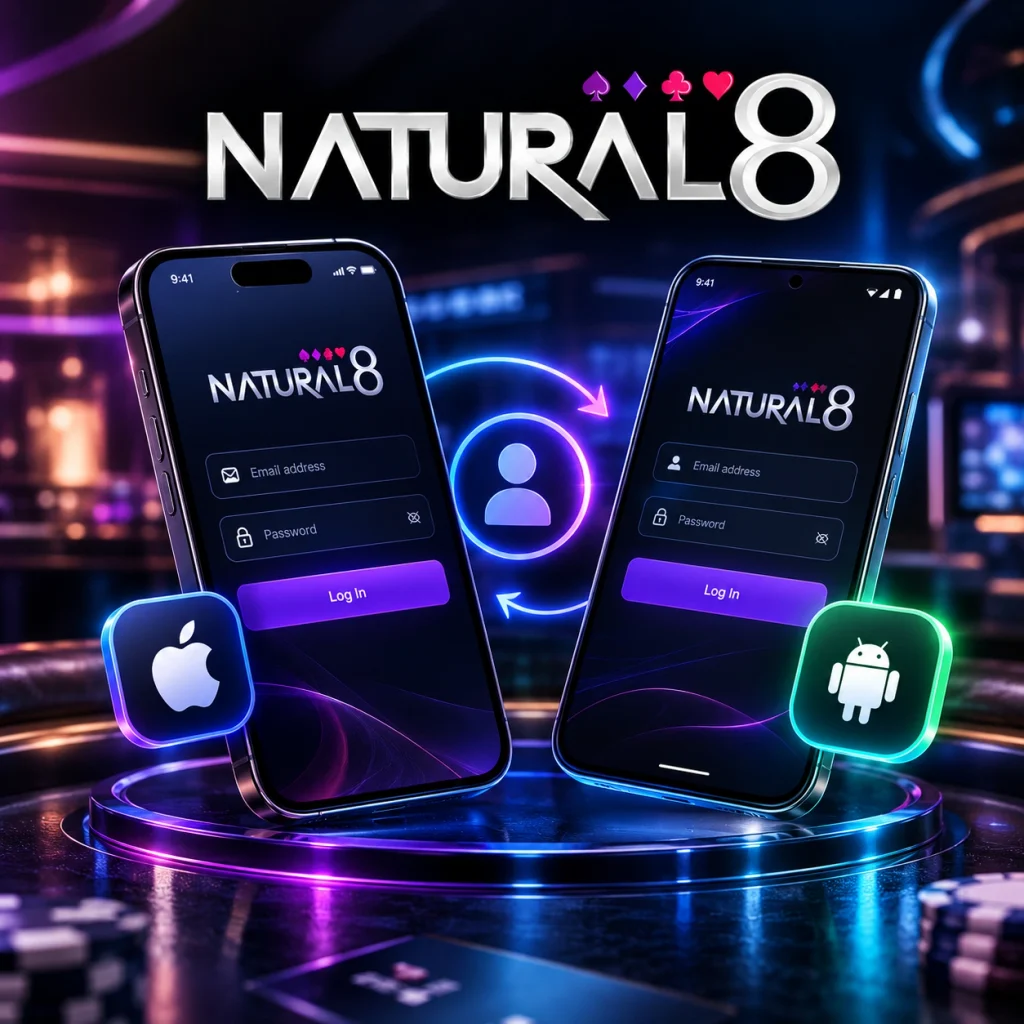
Natural8 also provides mobile applications for iOS and Android. Users switching to a phone or tablet do not need to complete registration again because the existing profile remains linked to the same credentials. Players who do not have an account yet can complete the account registration process before accessing the mobile application.
With Natural8 login on mobile, players can access major poker formats including cash games, tournaments, Spin & Gold and Rush & Cash. The mobile route can therefore be used for regular poker sessions as well as account management.
One Wallet and One Profile Across Every Session
Natural8 associates balance information and player data with the profile rather than a particular device. Relevant information can remain available when moving between desktop and mobile access.
The platform also includes built-in tools for analysing poker activity. Smart HUD provides table statistics and opponent information, while PokerCraft records and analyses playing history. These functions reduce the need for separate tracking software and keep poker information connected with the same profile.
Recovering a Forgotten Password
A forgotten password can be handled through the recovery function rather than by creating another registration. The procedure is:
- Open the password-recovery form from the login area.
- Enter the email address used during registration.
- Check the inbox for the reset message.
- Follow the supplied link and create a new password.
- Return to the login screen and use the updated credentials.
When the email does not appear, the spam or junk folder should be checked before another request is submitted.
Reaching Live Support Around the Clock
When standard recovery does not resolve the issue, Natural8 provides 24-hour live chat through its website and support environment. The support team can also be contacted through the help section.
Before requesting assistance, prepare the registered email address, account identifier where available, device or client being used and a description of the error. This information can help distinguish between a credential problem, technical fault and security restriction.
What Triggers a Blocked N8 Login
A rejected N8 login can result from incorrect credentials, an unsupported access environment or a temporary security measure. The appropriate response depends on the situation.
| Situation | Recommended action |
| Incorrect credentials | Recheck email and password |
| VPN or proxy detected | Disconnect it and retry |
| Emulator or virtual machine | Use a supported physical device |
| Remote-access software | Close the relevant software |
| Outdated client | Update Natural8 and restart |
| Temporary security block | Stop repeated attempts and follow support instructions |
| Rule-related restriction | Contact support instead of creating another profile |
FAQ
Can two client windows be used at the same time?
Several poker tables can be active within a single authenticated session through supported multi-tabling functions. Opening an additional client window should not be treated as creating or using a second profile, and any simultaneous-session limits depend on the platform’s current technical and security controls.
How should I end a session on another person’s device?
Use the logout function before leaving the device and avoid saving credentials in the browser or application. Automatic sign-in should also be disabled on shared hardware.
What happens if I lose access to my registered email?
The usual password-recovery route may become unavailable when the inbox cannot be accessed. In that situation, Natural8 support should be contacted with available profile details so ownership can be reviewed through the appropriate procedure.
Is a separate login required for the casino section?
Moving between supported gaming sections does not by itself require a second registration. Access to individual services can still depend on the games and features available to the player’s profile.
What happens to an active hand if the connection drops?
A connection loss does not automatically cancel a hand that has already started. The result depends on the stage of the hand and the applicable table rules, so restoring the connection as quickly as possible is advisable.
For returning players, the Natural8 login remains the main access point to the existing profile across supported desktop and mobile environments.